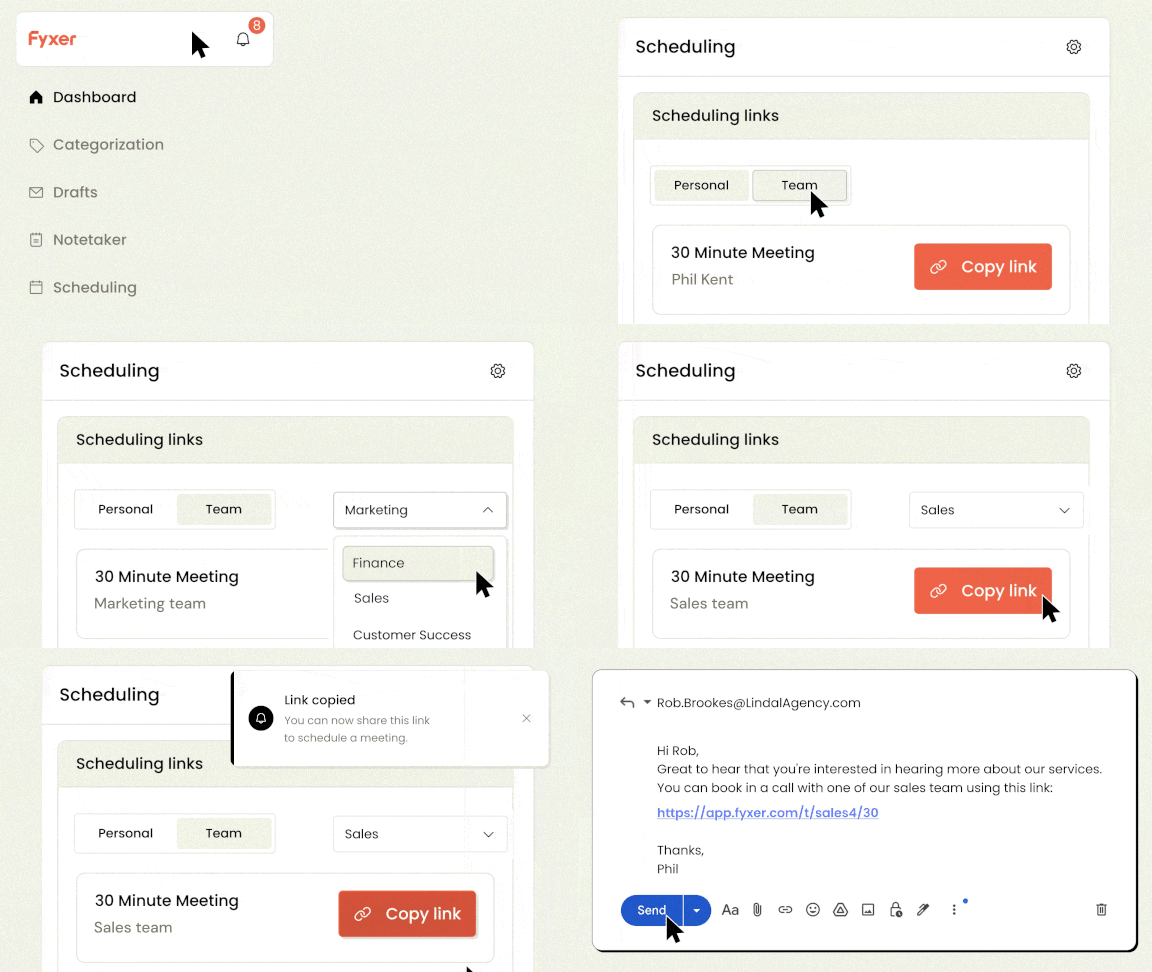
You can now share scheduling links for your entire team.
There’s two ways to use it:
- Distribute calls across your team - Share the link with clients or customers. They choose a time and Fyxer assigns an available team member.
- Share your whole team's availability - Coordinate group calls with external parties. One link shows times that work for everyone.
To set up the teams (admins only):
Dashboard→ Settings → Teams → Create team
For team members:
Dashboard → Scheduling→ Team scheduling