
You bought one thing from a brand in 2019. They've emailed you 147 times since. Multiply that across all accounts you've ever created and you arrive at the average: 121 emails a day, most of them from emails you've never replied to and never will. At one point, you thought that sign-up could be worthwhile; years later, we are dealing with updates we don’t need.
Here’s how to get rid of them, in bulk, not one by one.
Why inbox clutter is a work problem, not just an annoyance
Promotional emails, newsletters, and notifications pile up and can add more work and distraction to our day. According to Fyxer's Admin Burden Index, routine email and admin work can consume up to 5.6 hours of an employee’s time a week. A single promotional email mid-task doesn't cost you seconds. It costs you focus, and focus costs you time you can't get back.
The benefit of unsubscribing reduces incoming volume from the source. It’s one of the best things you can do for your inbox. You get to reclaim your time, and redirect it to work that matters.
How to mass unsubscribe from emails
The right method depends on your email provider, how much volume you’re dealing with, and how much manual effort you are willing to put in. Most people use a combination of approaches.
Gmail’s Manage Subscription panel
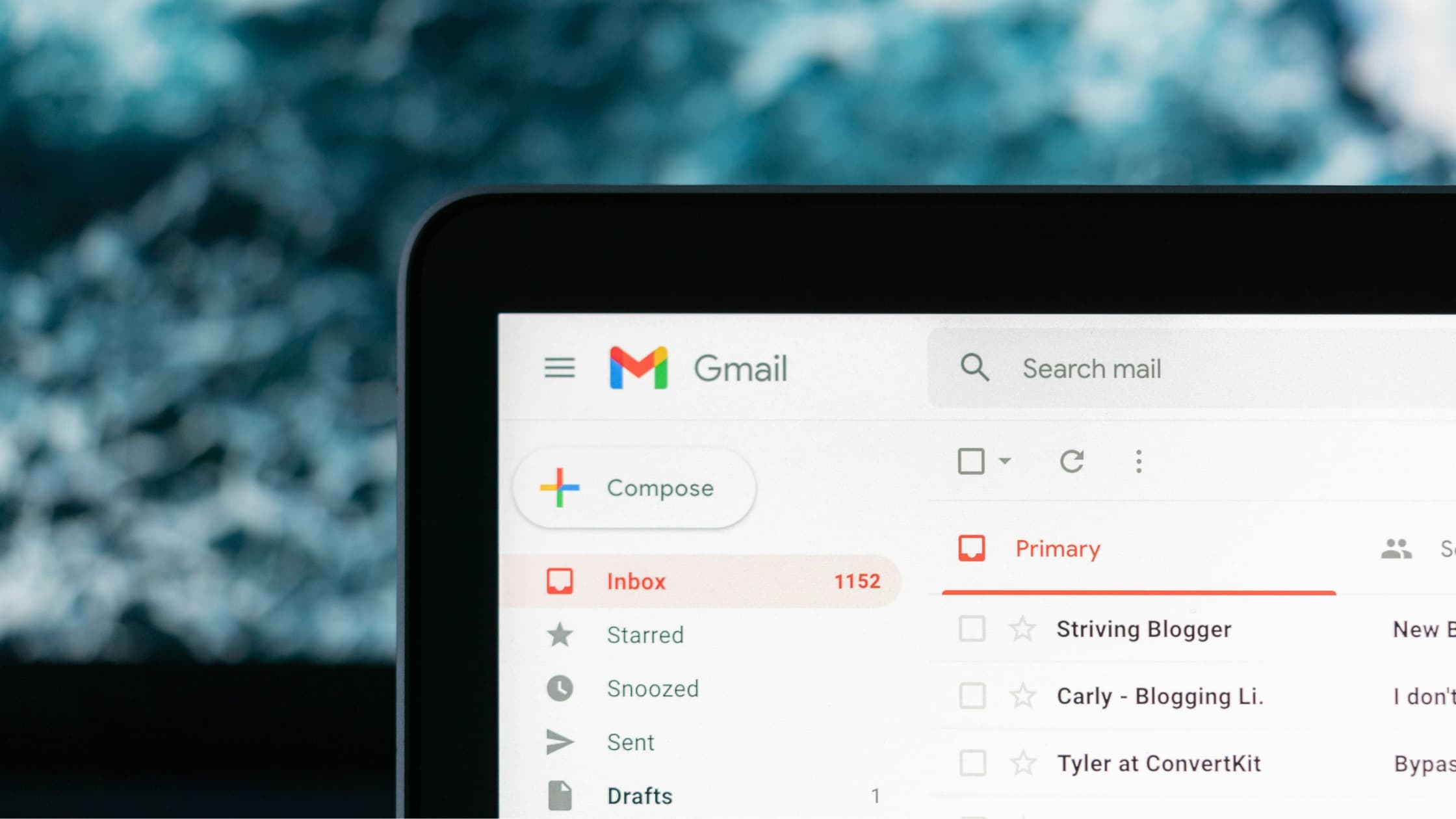
Google’s built-in tool lists every subscription sender, sorted by frequency. You can subscribe or block with one click, no third-part access required. Find it under Setting > See all settings > Filters and Blocked Addresses, or look for the Unsubscribe prompt that appears next to the sender name in promotional emails.
Outlook’s Subscription setting
Go to Settings > Mail > Subscriptions to see active subscriptions and remove them individually. Note: Outlook only shows senders whose emails contain a formal unsubscribe link, so some won’t appear here. You might need to actually go in and fill out a form, which can often be found in the footer of the email.
Apple Mail’s one-tap unsubscribe
On iOS, Apple Mail has an Unsubscribe button at the top of many marketing emails. Not a bulk tool, but useful when you're clearing your inbox on mobile.
Manual bulk deletion with search filters
In Gmail or Outlook, you can bulk delete emails with a search filter by searching "unsubscribe" or "you're receiving this because." Select all results, delete in bulk, then create a filter to send future emails from those senders to trash.
Templates for manual unsubscribe requests
Some senders don't offer an automated unsubscribe flow. For those, a direct email can get it done quickly. Here are three email templates you can use that are ready to go.
1. Standard unsubscribe request
Subject: Unsubscribe request
Hi,
Please remove [your email] from your mailing list. I would like to stop receiving emails from [company name].
Thank you
2. Unsubscribe + data deletion (GDPR)
Subject: Unsubscribe and data deletion request
Hi,
Please remove [your email] from your mailing list and delete my personal data under GDPR.
Please confirm once complete.
Thank you.
3. Existing customer, marketing opt-out
Subject: Marketing opt-out
Hi,
I'm a customer but would like to be removed from your marketing list. My account email is [your email].
Thank you.
Tips for keeping the inbox clean
Mass unsubscribing handles the backlog. These habits prevent you from building another one.
- Uncheck at sign-up: Most subscription clutter starts with pre-ticked "send me updates" boxes on checkout or account registration forms. Look for them before completing any form, before you accidently sign-up for newsletters you don’t have time to read.
- Use a separate email for non-essential accounts: Create a dedicated email address for retail, newsletters, and occasional sign-ups to keep your main inbox clear by default.
- Filter instead of delete: If a sender is occasionally useful, route their emails to a folder rather than unsubscribing. Read them on a time that suits you, not theirs.
- Audit quarterly: Subscriptions accumulate even with good habits. It’s a good practice to schedule in time to review your subscriptions every few months, through Gmail's panel or Leave Me Alone. They stop volume from creeping back up.
- Don't click unsubscribe on unfamiliar senders: Security researchers flag this as a common phishing tactic. Clicking the link confirms your address is active. For unfamiliar senders, mark as spam and block instead.
- Let Fyxer handle what's left: Unsubscribing is valid but manual and incomplete. Fyxer is the solution that gets rid of the noise by doing the filtering for you.
When mass unsubscribing makes the biggest difference
There are specific moments when cleaning up your inbox matters most. Here’s why each one counts.
Starting a new role
First impressions matter. You're drowning in onboarding, learning systems, meeting people, and your inbox is already full of subscriptions from your last job plus the previous person's mailing lists. Every distraction pulls focus from the work you need to learn. A clean start means you're not wasting time sorting signals from noise when you should be proving yourself. You identify what actually matters to your new team, and you hit the ground running instead of playing catch-up.
Before a high-demand period
Product launches, quarterly deadlines and campaign pushes are times when email noise becomes dangerous. Important messages from stakeholders, clients, or your team get buried under promotional clutter and low-priority notifications. One missed email can cascade into a bigger problem. Cutting volume beforehand means you're not frantically searching for critical updates during a crisis.
Managing a shared inbox
The type of addresses that begin with Support@, hello@, and info@ are not yours alone. Every marketing email that lands in a shared queue wastes everyone's time. Your team is sorting through noise together, slower than they should be. Removing irrelevant senders means your queue stays focused on real customer requests and actual work, not vendor updates nobody signed up for.
Switching email providers
Migration is your reset button. It is time to get rid of old subscriptions, old habits and old clutter. If you carry everything over, you're just starting fresh with the same problem. Unsubscribe before they move with you and keep piling on.
When you're consistently missing things
If you're catching emails late or missing them altogether, volume is the problem. Your inbox starts looking disorganized and critical messages get lost. Cutting the connection at the source is faster than trying to change your habits or develop a new filing system. One less distraction equals one more thing you see that matters.
Let Fyxer do the filtering
Manually unsubscribing can do the job, but it takes a lot of time, and you'll never get back.
Fyxer removes the noise automatically. It filters your inbox so important emails surface first and everything else gets organized out of your way. No more digging through promotional clutter. No more missing urgent messages buried under newsletters you forgot you signed up for.
Here's what Fyxer actually does: it reads every email, understands what matters, and shares the ones that need your attention. Whether it is marketing emails, notifications, or weekly team updates, they're available if you need them. The emails that require action go right at the top, and are ready for you to review.
Then, for every important email, Fyxer writes a draft reply. You get a starting point in your tone, with the key details already captured. You can send the draft in seconds instead of composing it from scratch. You can easily respond on the beat without having to deal with writer’s block. The result: you spend your time on work that actually moves things forward, not on email admin. Fyxer turns your inbox from a distraction factory into a workdesk you control.
You could unsubscribe from 50 senders. Or you could use Fyxer to make those 50 senders disappear.
Start your free trial today. See how much time you get back when the noise is gone and what's left is already handled.
Mass unsubscribing emails FAQs
Will unsubscribing actually stop the emails?
Yes, for legitimate senders. CAN-SPAM needs opt-out requests to be honored within 10 business days. If a sender continually emails you after that window, it is best to report them to your email provider and block their email address.
Is it safe to click unsubscribe links?
For recognized senders, it is safe. Don’t click anything unfamiliar or suspicious. Mark it as spam and block instead. Some phishing emails use unsubscribe links to verify that an address is active.
How long before I notice a difference?
Most senders process opt-out requests within days. Allow up to 10 business days for volume to drop noticeably. If you've unsubscribed from many senders at once, the difference is usually clear within a week.
What's the difference between unsubscribing and blocking?
Unsubscribing asks the sender to stop emailing you. Blocking prevents their emails from reaching your inbox regardless. Use unsubscribe for legitimate senders. Use blocks for anyone persistent or unrecognized.
Does Fyxer help with inbox management after unsubscribing?
Yes. Once you've trimmed down the unwanted email notifications, Fyxer organizes your inbox by priority and writes draft replies, meaning the critical messages get handled faster, and you spend less time on admin work overall.