


Written statement of employment: What it is and how to get it right
Employment paperwork is easy to deprioritize when you're busy hiring. Here's what a written statement of employment must cover, when you need to issue it, and what happens if you get it wrong.

How to unarchive emails
Learn how to unarchive emails in Gmail, Outlook, and Apple Mail. Step-by-step guide to restore messages, stay organized, and keep important emails within reach.

Equality and diversity monitoring form: What to include
An equality and diversity monitoring form collects voluntary data on protected characteristics. Here's what it should cover, a template, and guidance on handling the data responsibly.

Grievance appeal letter template: What to write and how to get it right
Need to write a grievance appeal letter? Here's a clear template, practical examples, and the key things to include so your case is taken seriously.
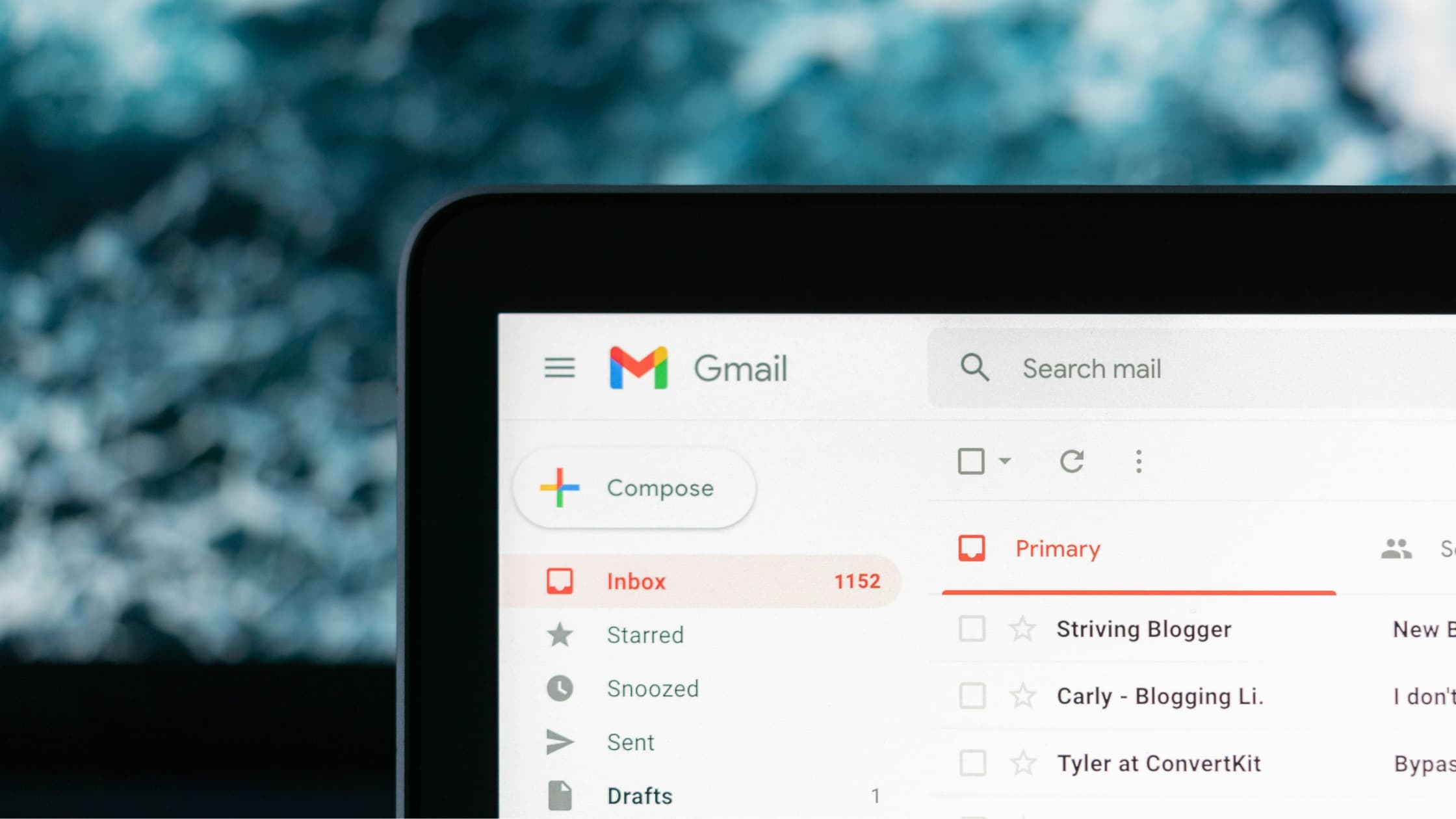
How to mass unsubscribe from emails and reclaim your inbox
Your practical guide to mass unsubscribing from emails, with tools, templates, and habits that keep the volume down.

How to email a phone number without formatting errors or security risks
Sending a phone number through email is simple when you know the right format and tools. This guide walks through practical methods, security tips, and examples anyone can use.

Where to put the date in an email: US, UK, and international formats
Proper placement and formatting of dates in emails is crucial for professionalism. This guide covers how to write and position dates correctly in formal and informal messages for US and UK standards.

How to remove an email address from Gmail
Managing multiple Gmail addresses can be confusing. This guide explains how to remove incorrect or unwanted email accounts, permanently delete addresses, and block senders to keep your inbox organized.

Template letter to confirm maternity leave: 4 free examples for employers and employees
Need to confirm maternity leave in writing? Here are four free templates for employers and employees, plus guidance on what to include and when to send it.