AI chatbots are smart. But your inbox deserves something better.
General LLMs weren't built for your inbox. They're missing your work context, use your data to train their models, and still require risky copy-pasting. Find out how purpose-built AI email assistants speed up your workflow while protecting your privacy.
Fyxer Team•November 20, 2025
Email is the ultimate productivity blocker
It's 9AM on Monday morning. You've got 47 unread emails, three need responses within the hour, two require you to review slide decks, one is from your CEO. And you're leading the team meeting in 15 minutes.
AI was supposed to make this manageable. For a moment, it seemed like it would. Copy-pasting an email into an AI chatbot and adding a prompt produced a good first draft. Spend a few minutes re-prompting with more details, edit the response and the message looks good to go. Now change windows, paste it back into the correct email chain and hit 'Send'.
That process works for one email. But spending 5-10 minutes crafting prompts, editing generic responses, and hoping you didn't paste confidential information into a tool that trains on your data won’t scale for an inbox handling 50+ messages every day.
The problem isn't AI. It's using the same tool that gave you a great seafood restaurant recommendation to do a specialized job: writing your most important messages.
Five reasons why general LLMs fall short for email
AI chatbots are remarkable tools. They can analyze data and explain quantum physics like they're talking to an 8-year old. But when it comes to using general AI tools for email, the cracks start to show.
1. They're missing your context
Your work context is every layer of your role, past and present, that informs how you communicate.
You ask a chatbot to draft a response declining a and proposing a new time. It generates a generic, but polite email that you need to rewrite. It doesn't know that you're new to the company, that this is a first call with a big lead or that you're free anytime on Thursday.
The tool hasn't read the email thread from last week with that client. It can't reference your calendar to suggest meeting times that work. It doesn't know your company's communication style, or your personal tone.
2. There's still a prompting time tax
Using a general LLM for email still requires your time. It's just that your time is being spent differently. Instead of writing an email from scratch and hitting "Send," you're:
1. Copy-pasting an email into the chatbot
2. Writing a prompt to explain what reply you need
3. Reviewing the output
4. Editing the tone
5. Pasting the message back into the thread
6. Proof-reading for the 3rd time
7. Finally hitting "Send"
That's seven steps when you just need a draft that’s good enough to send. Workflow productivity tools should cut out steps, rather than adding more.
3. Your data is training their models
Unless you're on enterprise plans with specific agreements, everything you paste into a general LLM becomes training data. Customer names, project details, strategic discussions, financial information.
Forbes spells out that the personal data used to train general AI tools means responses sometimes include information about individuals.
Even if you personally trust the LLM, that level of exposure carries risks most organizations aren't prepared to accept.
4. Context switching kills momentum
Every alt-tab to another screen breaks your flow. Copy-paste introduces formatting errors, missed recipients, emails sent in the wrong threads. Across 50 emails per day, this friction adds up to hours of hidden work.
That’s why email responses from general LLMs can create more work, not less.
5. They generate a generic tone
Refuse to write 'Kind regards' or hate 'circling back'? LLMs default to formal, corporate-speak riddled with phrases you may never use. With everyone now using LLMs, your colleagues and clients can tell when emails sound AI-generated. This erodes trust and reduces the impact of your messages.
What purpose-built AI email assistants do differently
Email drafting tools like Fyxer haven't been built to compete with general AI tools. They're specifically designed for the workflow, context and privacy that your inbox demands. Put simply, just like the best human assistants, the best AI email assistants show up with everything you need, exactly when you need it, confidentiality intact.
Live where you work
AI email assistants integrate directly with your email provider, such as Gmail or Outlook. They review the full email thread and the conversation history so there's zero context switching.
Learn your communication patterns
They analyze how you actually write (not how AI thinks professionals should sound), adapt the tone depending on who you're emailing and improve draft accuracy over time.
Respect privacy by design
Your email content shouldn’t become training data. Enterprise-grade security is a baseline, not an upgrade feature. SOC 2, ISO and GDPR-compliance are essential for protecting your privacy and making sure data remains in your environment.
Eliminate the prompting tax
The best assistants are proactive. Draft responses appear automatically when you need them with no prompting and no back-and-forth. Just well-crafted emails that are ready to review and send.
Connect your full work context
Your role extends far beyond your inbox. By using an AI email assistant, meeting notes inform email responses, your calendar availability remains the starting point for scheduling and company files provide additional details for drafts to draw from.
Introducing Drafts 2.0
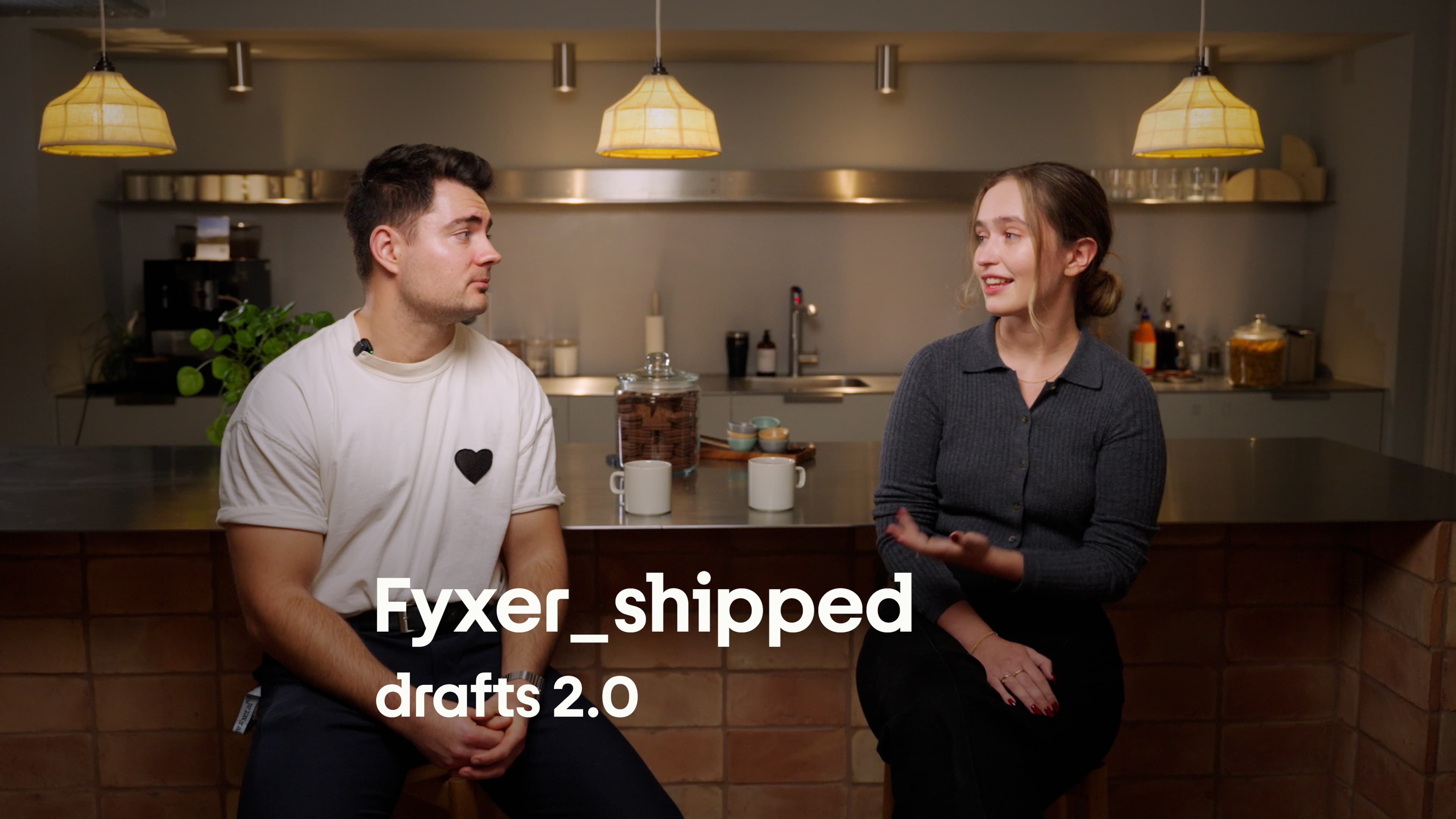
At Fyxer we’ve got one goal: predict your next email. To do this, we’ve launched Drafts 2.0 - a major feature upgrade which has doubled the number of drafts users are sending without edits.
Here's how we’ve improved Drafts to solve each problem that general LLMs can't.
Context: Learning from everything
You don’t reply ‘yes’ to every email you receive. Fyxer remembers your past conversations, meeting notes, and files to generate accurate responses that reflect what you want to say.
"We've improved how Fyxer digests and remembers your past conversations. So it learns exactly how you would reply in a situation, rather than just defaulting to a yes."
Joey, Senior Product Engineer at Fyxer
Your drafts pull from:
Email thread history and attachments
Recent meeting transcripts and summaries
Uploaded files and company documents
Your calendar and availability
The more context Fyxer has, the less editing you do.
Example: When a client asks about project timelines, Fyxer references last week's strategy meeting and drafts a response with accurate dates. There’s no generic "let me check and get back to you."
Tone: Adapting to specific relationships
Your CEO and your client require different email tones. Drafts 2.0 picks up on this and adapts based on who you're talking to.
"We've enhanced our models, so Fyxer picks up on your tone of voice faster and better than ever before. It adapts to who you're talking to, whether that's your client, your manager, or your teammates."
Eleanora, Senior Product Engineer at Fyxer
Fyxer recognizes:
Formal vs. casual relationships
Internal vs. external communication
Your personal writing patterns (short sentences vs. detailed explanations)
Phrases you use (and the ones you avoid)
Your emails sound like you wrote them, because Fyxer learns from how you actually write.
Scheduling: No more timezone chaos
Fyxer now recognizes time zones automatically and suggests meetings that work for everyone - so nobody gets a 4AM call booked in.
When someone requests a meeting, Fyxer drafts a response that:
Checks your actual availability
Converts time zones accurately
Suggests times that work for all parties
Includes your booking link when appropriate
We’ve now doubled the number of drafts sent without edits
These upgrades mean less time reformatting, rethinking, and rewriting. More time delivering high value work.
More Fyxer users are now sending drafts with one click, saving 6.5 hours every week.
Your inbox deserves a specialist
Remember those 47 emails from 9 AM?
With Fyxer, your drafts are ready before the coffee gets poured. Context is pulled from all your meetings. Tone adapts to each recipient. Scheduling suggestions actually work for everyone.
General LLMs are perfect for restaurant recommendations and solving equations but your inbox deserves an email specialist. That’s an AI email assistant that lives where you work, learns how you communicate, and respects your privacy.